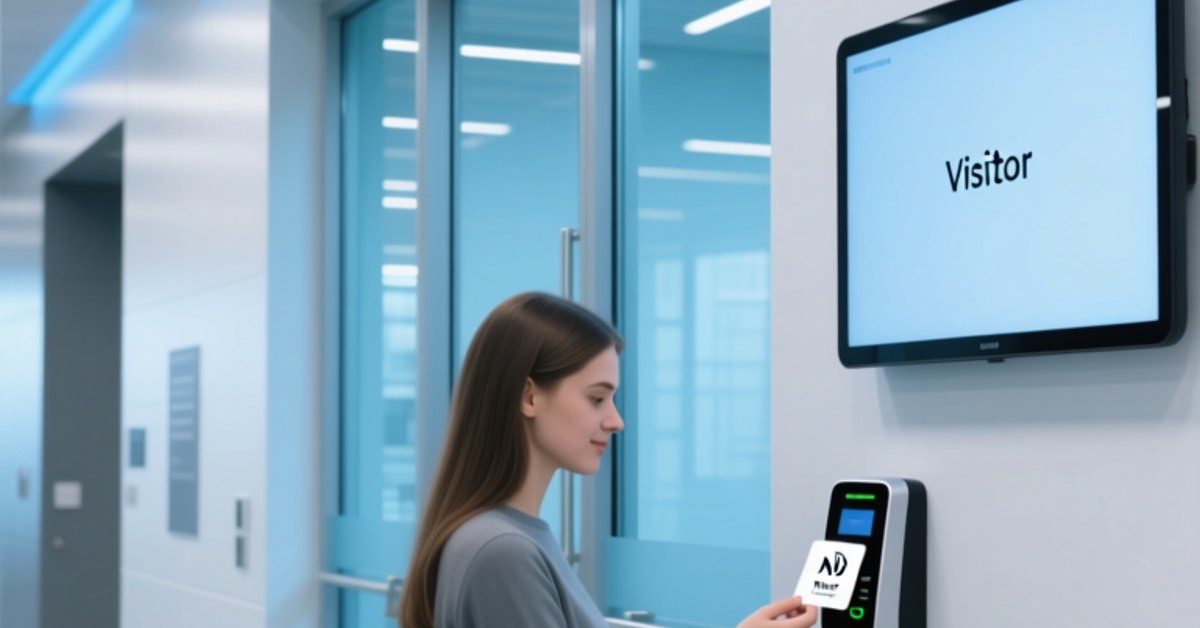
Modern university campuses operate like small cities. Students move between residence halls, dining halls, lecture buildings, libraries, and laboratories every day. Yet many institutions still use separate credentials for each service. NFC campus ID systems change that by giving each student one secure credential that works across every physical and operational touchpoint.
An NFC campus ID is a university student ID card, NFC wristband, NFC key fob, or mobile identity that uses near-field communication at 13.56 MHz to communicate with readers installed in doors, payment terminals, libraries, and classrooms. For administrators, it is a way to centralize identity, access rights, and transaction records in an end-to-end smart campus strategy.
Why Universities Need a Unified NFC Campus ID
The traditional student ID is no longer enough. Many institutions still print an ID card and then hand out separate access cards for the gym, meal plans, laboratories, and lecture attendance. That patchwork creates extra cost, maintenance, and security risk.
A unified credential solves this problem. The university student ID becomes the anchor of campus life. Whether it is a physical card with an embedded NFC inlay, a mobile campus ID provisioned to an NFC-enabled smartphone, or a temporary NFC wristband, the credential uses the same identity profile.
Campus Door Access NFC and Dorm Security
Universities install fixed RFID readers at residence hall entrances, corridor doors, elevators, and academic buildings. Students tap their NFC campus card or mobile campus ID at the reader; if the credential has permission, the door unlocks.
Setting up campus door access NFC gives facilities teams several benefits. Room reassignments are immediate, no physical keys are needed after access is withdrawn, and every entry event can be logged. In dorm buildings, administrators can set different access levels for residents, resident assistants, cleaning staff, and security personnel.
NFC is particularly suited to this task because it has a short read range. A student intentionally taps the reader, so the technology is less prone to accidental readings than long-range cards. This makes access events more predictable and easier to audit.
Cafeteria Payments with Student Card and Bookstore Payments
Using a student card for cafeteria payments is a high-value use case because it saves time and simplifies meal plan management. At the cashier, a student taps the card on an NFC-enabled POS terminal. The transaction is matched to the dining plan or stored-value campus account, and the student can see the updated balance immediately in the campus app.
Bookstores can accept the same payment method, which removes the need for separate meal cards or bookstore gift cards. Students have a single balance, and administrators receive a clearer transactional record across campus outlets.
University Attendance Tracking with NFC Lecture Workflows
Lecture attendance workflows are often manual and inconsistent. An NFC-enabled attendance station, built around a desktop RFID reader or fixed reader at the classroom entrance, lets students tap in as they arrive. Each tap creates a timestamped record linked to the course section.
This university attendance tracking method removes the need for paper sign-in sheets and reduces time spent on roll calls. It also supports early intervention: advisors can see attendance patterns if a student misses multiple sessions before those patterns escalate.
Library and Lab Access with the Same NFC Credential
The library is another natural fit for NFC student IDs. A fixed RFID reader at the entrance can authenticate students, while self-service kiosks allow the same credential to be used for borrowing and return. This removes separate library card issuance and improves security because access levels can be linked to student status.
Research laboratories benefit too. Instead of maintaining a separate access system, IT teams can create group-based permissions in the campus identity platform. A medical student might access one lab, while engineering students can only access their own floor. Every tap is auditable, and permissions can be withdrawn immediately.
NFC Campus ID Uses at a Glance
>
| Campus touchpoint | NFC workflow | Administrator benefit |
|---|---|---|
| Residence hall and dorm entry | Tap NFC card, mobile ID, or NFC wristband at a fixed reader | Door permissions update in real time and access events are logged |
| Cafeteria and dining halls | Tap NFC campus card at an NFC-enabled point-of-sale terminal | Meal plans and campus accounts are linked to one ID |
| Bookstore | Tap the same card or mobile ID at checkout | No separate store payment credential and transaction data is centralized |
| Lecture attendance | Tap at a desktop RFID reader at the classroom entrance | Attendance records are timestamped and available for analysis |
| Library and research lab | Tap at library gate, self-service kiosk, or lab door reader | Access rights are managed by role rather than by separate IDs |
Selecting an NFC Campus ID Hardware Mix
The success of any NFC campus ID deployment depends on selecting the right credential media and readers for high-traffic use. The essential categories include:
- NFC inlays for embedding into student ID cards and staff badges.
- NFC tags and NFC stickers for temporary installations, interactive posters, and student service checkpoints.
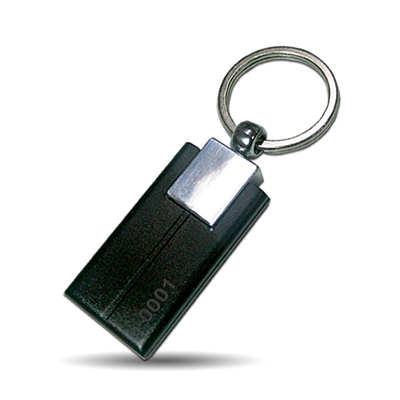
- NFC key fobs for maintenance contractors or staff who require a separate form factor.
- NFC silicone wristbands and RFID wristbands for orientation events, short-term conferences, and visitor access.
- Desktop RFID readers for attendance stations, registration desks, and library self-service kiosks.
- Fixed RFID readers for dorm doors, corridor gates, library entrances, and lab doors.
- Handheld RFID readers for event security, on-the-spot identity checks, and inventory audits.
NFCWORK supplies NFC tags, NFC inlays, NFC key fobs, NFC wristbands, and RFID reader options. Review our NFC products page to see the available credential formats and contact our team if you need help mapping hardware to campus zones.
Implementation Guidance for University IT Leaders
A coordinated rollout starts with a clear identity model, not just a new card. Consider these steps before issuing credentials.
- Audit existing touchpoints. Map every door, payment terminal, attendance station, library gate, and lab where student ID is used.
- Standardize on HF/NFC credentials. Use 13.56 MHz technology so the same card can be read by fixed, desktop, and POS readers.
- Define one identity profile. Create a central record that carries access rights, meal balance, library status, and emergency contact data.
- Use APIs to connect systems. Your student information system, access control platform, and campus payment engine should send updates to the NFC identity platform in real time.
- Start with a controlled pilot. Pick one dormitory, one dining hall, and one lecture room to validate reader coverage and end-user behavior.
- Plan for lost credentials. A lost card should be deactivated instantly from the central system; mobile credentials can be remote-wiped or disabled.
NFC campus card projects create a stronger foundation for the smart campus. After core IDs, access, payments, attendance, libraries, and labs are unified, the same infrastructure can support lockers, printers, guest passes, and event ticketing without introducing yet another card.
For more information about wearable credential formats, explore our smart wearable identification page. To review related application patterns, visit the NFCWORK solutions section.
FAQ
Can the same NFC campus ID support both door access and cafeteria payments?
Yes. The NFC credential stores a unique identifier rather than duplicating separate membership numbers. The campus backend connects that identifier to a door access policy, a meal plan account, and a stored-value wallet. Each tap executes only the rule required by the reader type.
Do students need to replace their existing university student ID immediately?
No. A university can issue NFC-enabled student IDs to new students and gradually replace legacy cards during the regular renewal cycle. A controlled pilot is a good way to validate the experience before full rollout.
Can a mobile campus ID replace a physical NFC card?
Many campuses support both. A mobile campus ID provisioned to an NFC-enabled smartphone can be used at NFC readers that support card emulation. However, some older readers may not work with every phone, so a physical card remains a dependable fallback during the transition.
How does university attendance tracking protect student privacy?
A well-designed system stores only what is needed: student identifier, course section, and timestamp. Access to attendance reports should be role-based and limited to faculty and authorized student support staff. Students should be informed about what data is collected and how it is used.
What hardware is needed to launch a campus NFC ID pilot?
You need NFC-ready credential blanks or NFC cards, NFC/RFID readers at the selected door, a desktop RFID reader for attendance, and a payment terminal that accepts contactless transactions. For temporary events, NFC wristbands can extend the same identity platform at low production cost.
Start Your NFC Campus ID Journey
NFCWORK helps universities select the right mix of NFC inlays, NFC tags, NFC wristbands, and readers for a unified campus ID. We also provide deployment guidance based on your existing access control and payment infrastructure.