Why NFC-Enabled Digital Product Passports Matter for Enterprises
Digital Product Passports (DPPs) are transforming product traceability, sustainability reporting, and regulatory compliance — especially under the EU’s Eco-design for Sustainable Products Regulation (ESPR). When powered by NFC, DPPs deliver instant, secure, offline-accessible product intelligence directly from physical items. For enterprise customers, implementing DPP NFC isn’t just about compliance — it’s about unlocking lifecycle visibility, brand trust, and circular economy readiness.
A Step-by-Step Guide to Implement DPP NFC
Step 1: Select Certified NFC Tags Designed for DPP Use Cases
Choose NFC tags with sufficient memory (≥864 bytes), write-lock capability, and robust encoding support for GS1 Digital Link URIs and JSON-LD payloads. Recommended options include:
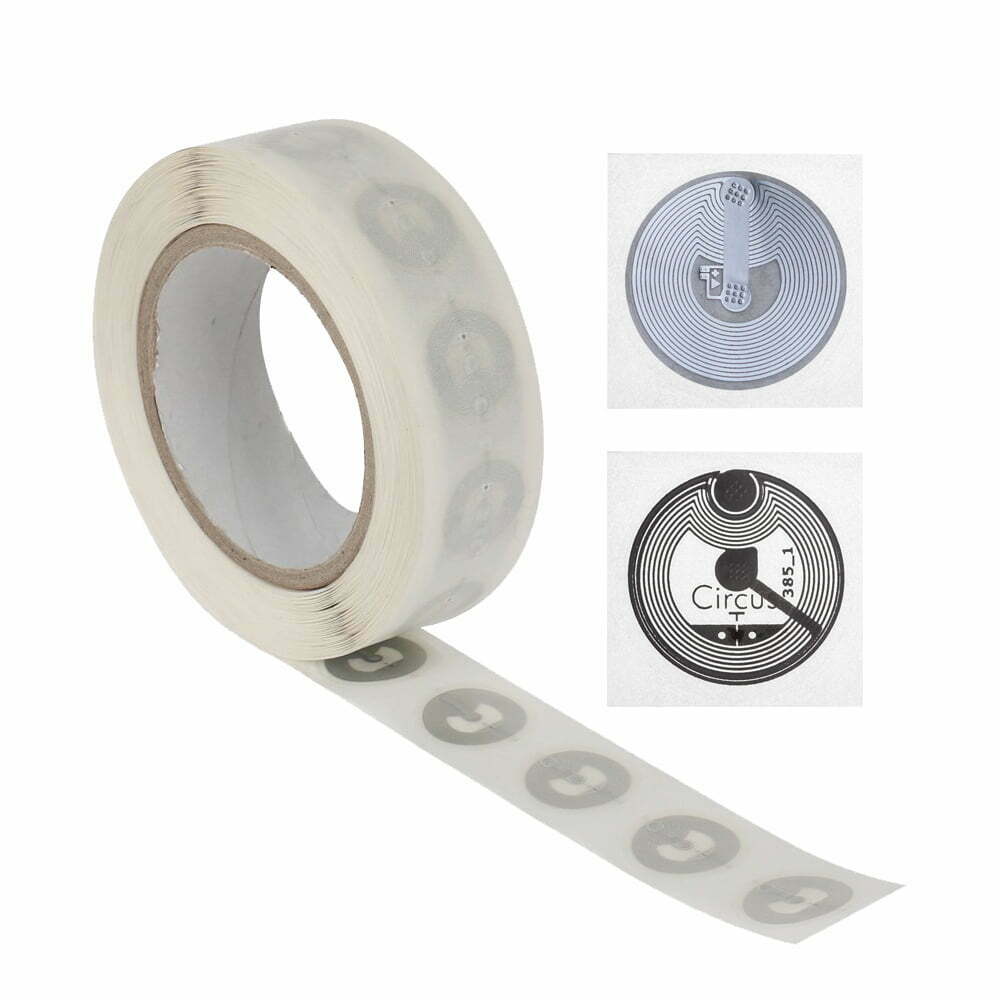
- NFC inlays for embedded use in packaging or labels
- NFC stickers for retrofitted asset tagging
- NFC business cards for premium product onboarding and service activation
Step 2: Integrate with a Compliant DPP Platform
Your DPP NFC integration must support standardized identifiers (e.g., GS1 Global Trade Item Number), verifiable credentials, and tamper-evident data structures. Leverage interoperable platforms that accept RESTful API ingestion of product metadata and publish dynamic, updatable Digital Product Passport URLs. Ensure compatibility with NFCWORK’s Digital Product Passport solution.
Step 3: Encode Data Using Industry-Approved Standards
Encode each NFC tag with a GS1 Digital Link URI pointing to your hosted DPP. The payload must conform to:
- GS1 Digital Link standard (v1.2+)
- ISO/IEC 15459 for unique identifier structure
- JSON-LD schema for semantic richness and machine-readability
Use RFIDHY NFC modules or desktop NFC encoders for high-volume, error-checked writing.
Step 4: Test & Validate Across Real-World Scenarios
Validate end-to-end functionality using:
>
| Test Area | Validation Method | Recommended Tool |
|---|---|---|
| NFC read reliability | Scan success rate across 500+ devices (iOS/Android) | RFIDHY handheld NFC readers |
| Data integrity | URI resolution, HTTPS certificate validity, payload parsing | Automated CI/CD pipeline with GS1 validator tools |
| ESPR alignment | Check mandatory fields: material composition, carbon footprint, repairability score | EU Commission DPP Conformance Checklist |
Step 5: Deploy & Manage at Scale
Deploy NFC tags during final assembly or packaging. Maintain versioned DPP content via CMS-backed endpoints. Monitor scan analytics and update policies through RFIDHY’s NFC management dashboard. Establish SOPs for tag replacement, firmware updates, and audit readiness.
FAQ
- What NFC tag memory capacity is required to implement DPP NFC?
- We recommend NFC tags with ≥864 bytes of user memory to accommodate GS1 Digital Link URIs, cryptographic signatures, and future extensibility — such as those available in the RFIDHY NFC inlay series.
- Do I need new hardware to implement DPP NFC if I already use RFID systems?
- Not necessarily. Many existing RFIDHY desktop NFC readers support DPP-compliant encoding and scanning — provided they meet ISO/IEC 14443-A/B and NDEF standards.
- How does NFC-based DPP support EU ESPR compliance?
- NFC enables direct, offline access to verified, immutable product data — fulfilling ESPR’s requirement for ‘persistent, accessible, and updatable’ digital records. Our Digital Product Passport solution aligns with EN 302 208 and GS1 implementation guidelines.
Ready to Implement Your DPP NFC Strategy?
Get expert guidance, certified hardware, and pre-integrated software — all backed by NFCWORK and RFIDHY.