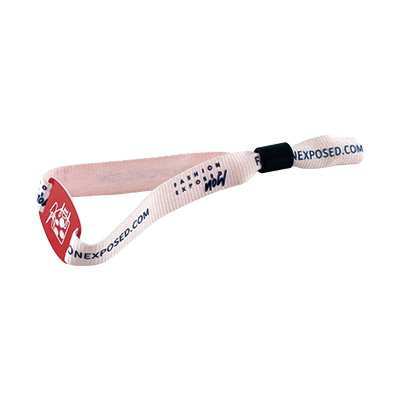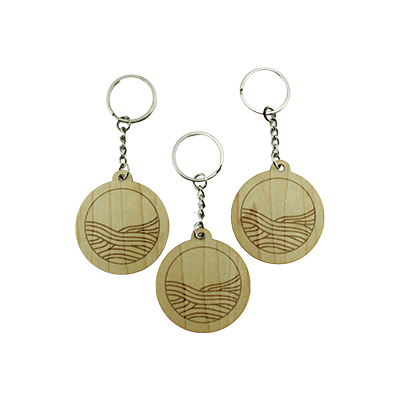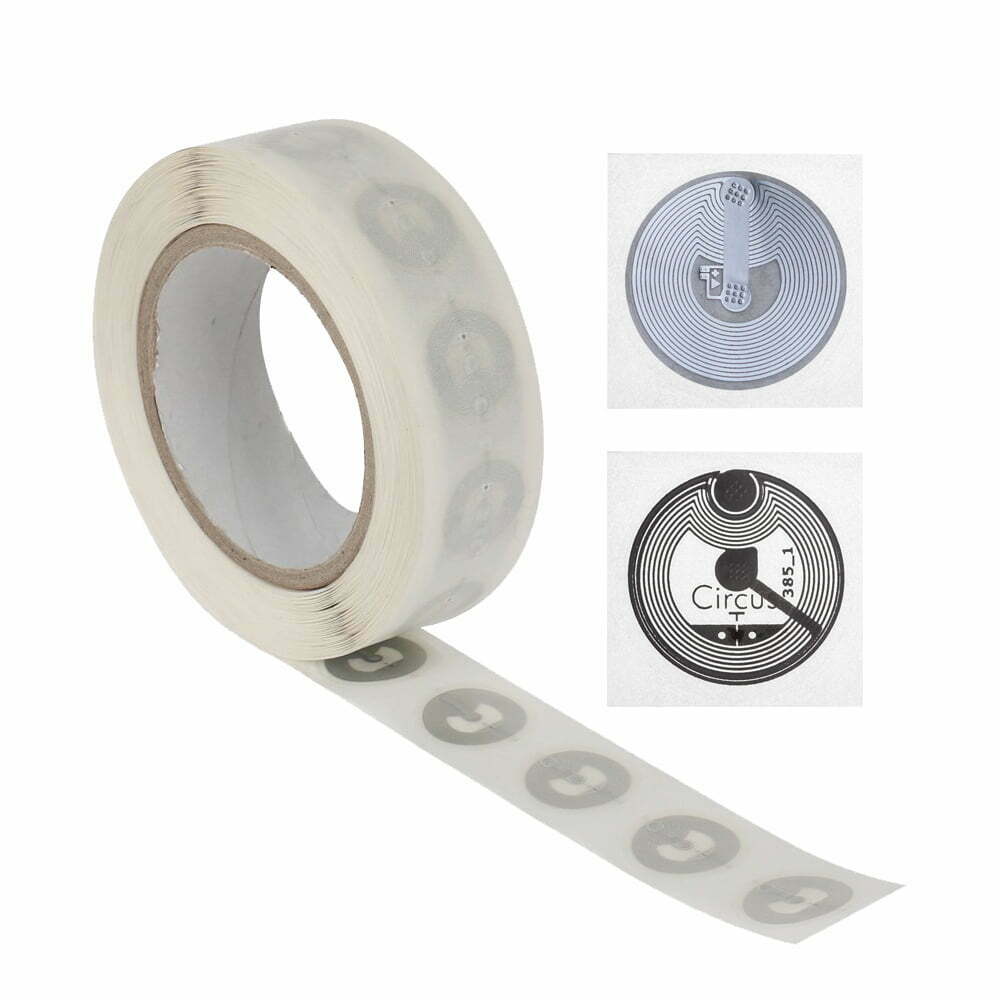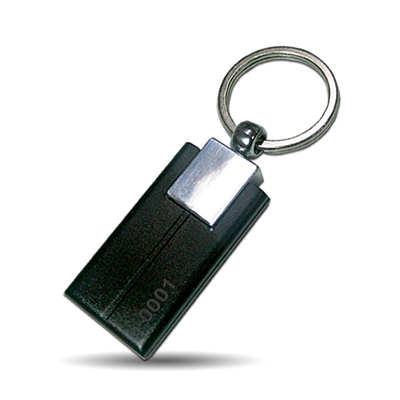
Not all printers can perfectly handle NFC tags or cards. Because NFC chips contain integrated circuits, when choosing a device, the principle of “avoiding hard contact and ensuring stable temperature control” should be followed.
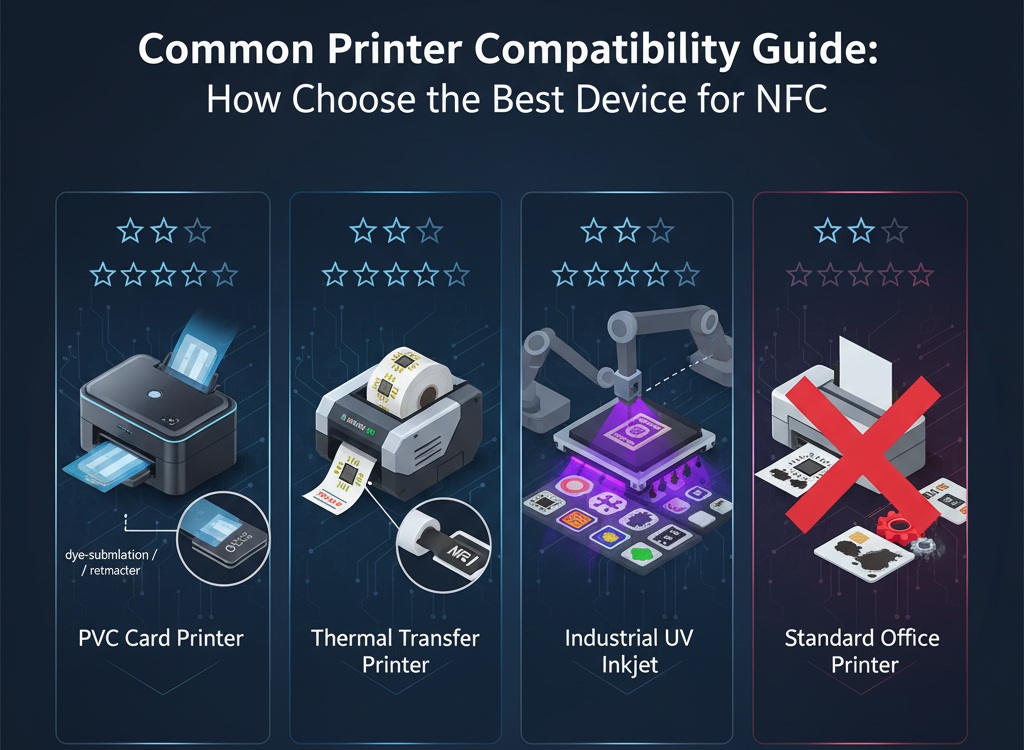
1. PVC NFC Card Printer (★★★★★)
This is the safest and most professional choice for processing printable NFC cards.
- Compatible Devices: Desktop card printers (e.g., Fargo, Evolis, Zebra ZC series).
- Technical Principle: Employs dye-sublimation or retransfer technology.
Professional Tip: Retransfer technology uses a transfer film to cover the pattern on the card, completely avoiding direct contact between the print head and the chip’s surface, which is the best way to protect the chip’s lifespan.
2. Thermal Transfer Barcode/Label Printer (★★★★☆)
Suitable for roll-type NFC stickers or labels.
- Compatible Devices: Industrial or desktop thermal transfer printers (e.g., Zebra ZT series, TSC printers).
- Technical Principle: Heat transfer using a ribbon.
Professional Tip: Always use resin-based or hybrid-based ribbons to ensure the printed content is less likely to rub off with frequent touches. Also, when setting up the print driver, please lower the print pressure to reduce physical pressure on the chip.
3. Industrial UV Inkjet Printer (★★★☆☆)
Suitable for small-batch, highly customized NFC carriers.
- Compatible Devices: Flatbed UV printers.
- Technical Principle: UV curing technology.
Professional Tip: This method produces the richest colors and is most scratch-resistant. However, please note that if the heat from the UV lamp is too concentrated, it may affect the long-term reliability of the chip. It is recommended to maintain an appropriate distance between the print platform and the printhead during printing and to enable ventilation cooling.
4. Standard Office Inkjet/Laser Printer (★☆☆☆☆)
Equipment: A common office A4 laser or inkjet printer.
Warning: Strongly discouraged. Laser printers’ fuser units can reach temperatures exceeding 180°C, directly damaging the NFC chip. Standard inkjet printers cannot adhere ink to non-absorbent materials (such as PVC or laminated paper), and their complex paper feed path easily causes cards to jam or damage the internal antenna.
💡 Pre-Purchase Checklist:
- Media Thickness: Check the printer manual to ensure its allowable paper thickness includes your NFC tag/card thickness (typically 0.3mm – 0.8mm).
- Media Width: Confirm that the tag width is within the printer’s effective printing range.
- Induction Test: Before batch printing, always print 5-10 pages for testing and ensure that the NFC chip’s reading distance does not significantly decrease after printing.
For more information,please contact us.